

1. Describe Your App Idea
Start by telling us what you want your app to do — in your own words, any language you prefer. Just type as if you’re chatting with a friend. Not sure how to phrase it? Use our Prompt Builder — it walks you through simple questions about your audience, features, branding, and more to shape your app.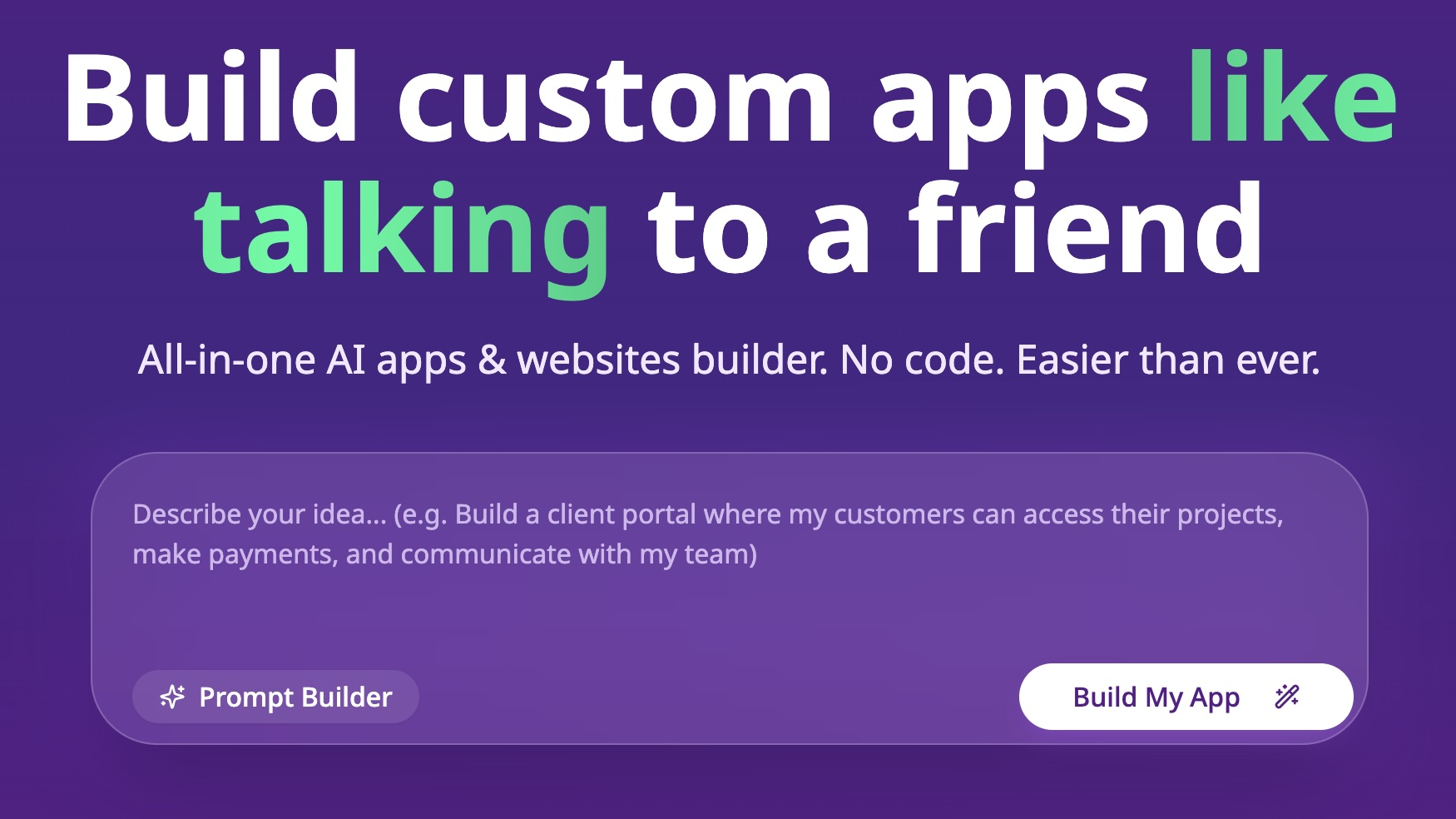 Example:
“Build a client portal where my customers can access their projects, make payments, and communicate with my team.”
Once you’re happy with your request, click Build My App and we’ll get started!
Example:
“Build a client portal where my customers can access their projects, make payments, and communicate with my team.”
Once you’re happy with your request, click Build My App and we’ll get started!
2. We Build It For You
After submitting your idea, BuildAI goes to work — writing the code, setting up databases, login systems, and everything else behind the scenes. It usually takes just a few minutes.3. Preview and Refine
Not perfect yet? No problem. You can keep chatting with BuildAI to make changes — just describe what you want differently. Break requests into smaller steps for the best results, and if something isn’t right, revert and try again. Example tweak: “Add AI-generated plans that adapt to my progress.” You don’t have to wait for BuildAI to finish before sending your next request. While it’s working, type your next message (attach files if you need to) and click Queue. Queued messages appear in the Queue panel right above the chat input and are sent one by one, in order. Drag a message to change its order, or open its ⋯ menu to Edit it in place (including removing attachments), Copy it, or Remove it. Use the pause button to hold the queue and resume it when you’re ready. Your queue stays in place even if you refresh the page.4. Publish and Share
Once you’re happy with your app:- Click Publish to make it live.
- Customize your app’s URL to match your brand.
- Share it with your customers, audience, or team.
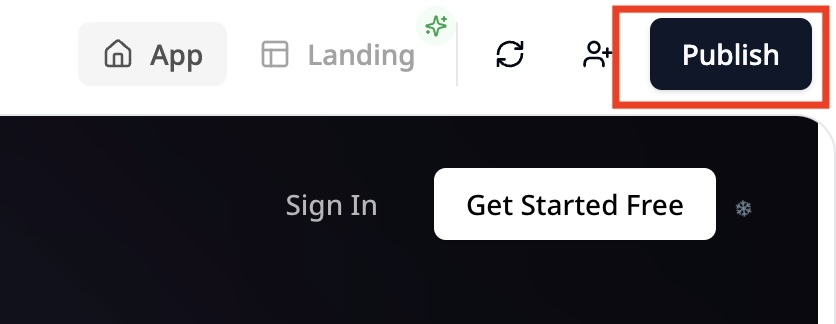 Learn more about publishing here:
How to Publish Your App
Learn more about publishing here:
How to Publish Your App
5. Keep Improving
Your app isn’t set in stone. You can always:- Make updates in your private version.
- Preview changes without affecting the live app.
- Publish new versions when you’re ready.
Quick Tips for a Smooth Build
- Keep your requests clear and detailed for the best results.
- Use the Prompt Builder to organize your thoughts.
- Preview your app often, switching between device views on desktop and toggling user modes to catch any issues early.
- Don’t hesitate to revert changes and try different ideas.
You’re all set to build amazing apps effortlessly — just like talking to a friend! Have fun creating and sharing your vision with the world. 🎉